Lighter than comics,
more eloquent than an art book.
Stilltale is a creation and distribution tool purpose-built for adding small variations, one by one, to a base illustration. Works export to a single HTML file that anyone can read in a browser — and keep.
macOS / Windows / Linux · every creation feature is free

Create, distribute, and it stays
A creation tool that is also a distribution format.
The still-story form
Add small variations to a base illustration: a changed mouth, a shifted gaze, a new line of dialogue. Lighter than comics, more eloquent than an art book — built in a one-row-per-page editor.
One HTML file
Exports are self-contained HTML. Readers need no app, no server, no account. Sell it on your storefront or send it by mail — as is. You can also export to good old PNG files, of course.
Travels the world
The viewer speaks 14 languages, with per-work language switching and localized author credits. One file reaches readers everywhere.
Three steps to publish
Draw in the tools you already use. Stilltale handles the assembly and the delivery.
Draw
Import artwork made in Clip Studio Paint or ibisPaint as layer-based assets.
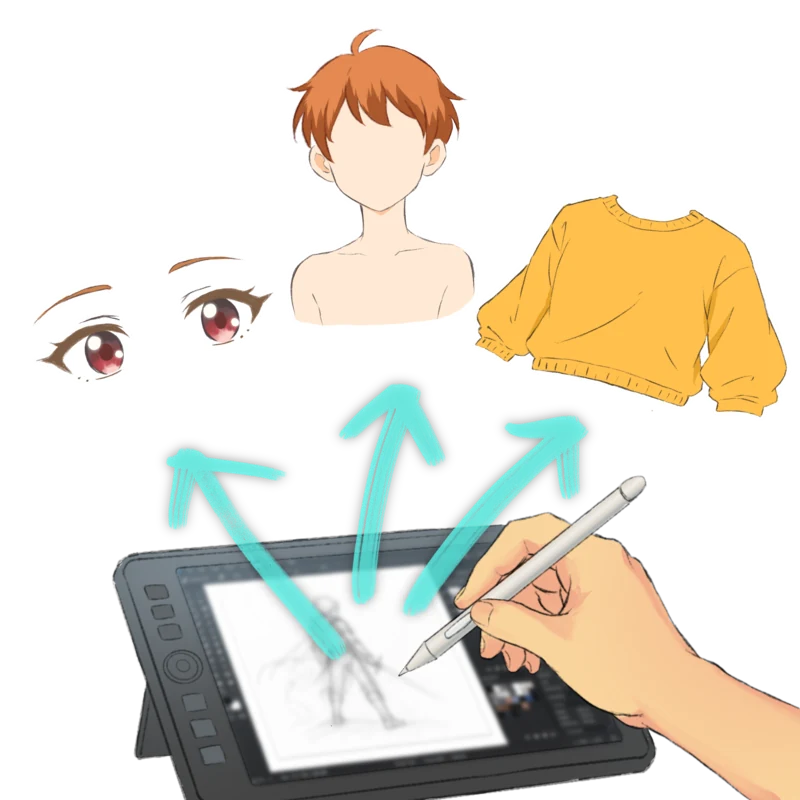
Assemble
One row per page. Swap layer variants and dialogue in a spreadsheet-like editor.
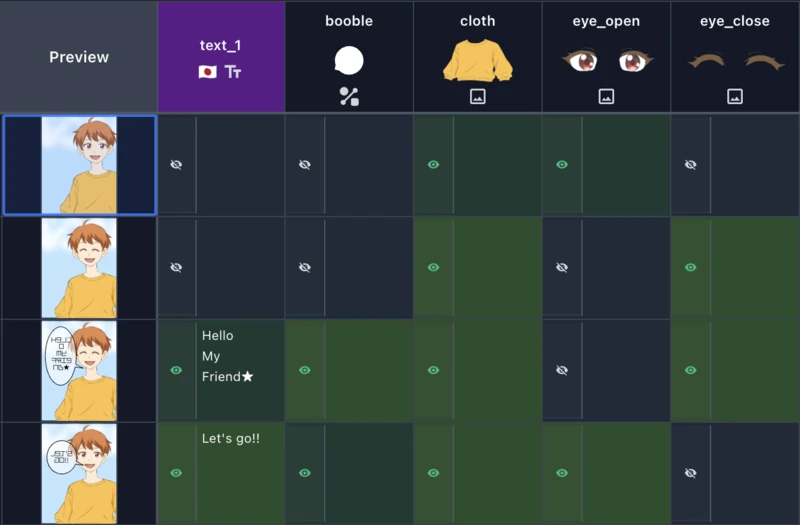
Distribute
Export your work with ease as a single HTML file or a set of image files. Then publish it wherever you like.
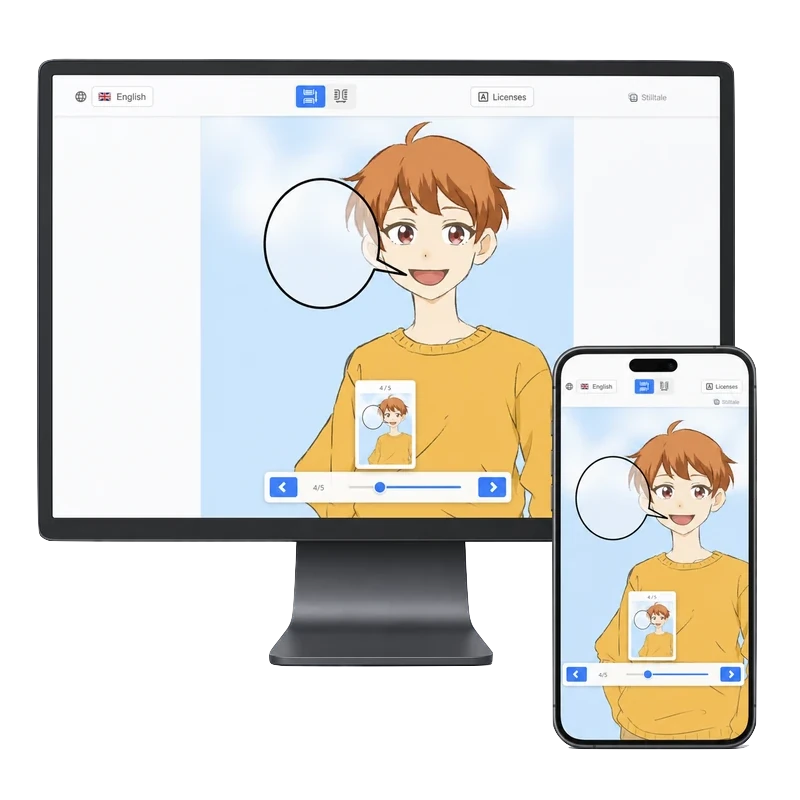
What you can do with Stilltale
From assembling variations to exporting your work. Every creation feature is free.
Create
- Unlimited-page works
- Page creation from image assets
- One-row-per-page editor
- Asset grouping and pattern switching
- Clipping masks
Edit
- Cross-page editing
- Bulk text editing
- Animation for layer variations
- Rich preset shapes
- Multilingual in-work text
- Branching routes within a work
- Vertical text and text styling
- Direct editing on the preview
Import & export
- JPG, PNG, GIF, and SVG import
- PSD import
- Single-file HTML export
- Multi-image export
- Embedded fonts
- Mobile-ready HTML viewer
Stays in your hands, just as intended
- Local-first
- Your manuscripts never leave your machine. No cloud storage, no sign-up.
- No lock-in
- The exported HTML is just a file. Even without Stilltale, your work stays readable.
- Piracy deterrence
- HTML works with branching paths, animation, and other rich forms of expression lose their intended reading experience when reposted to image-based piracy sites. Rather than DRM, Stilltale attempts to deter piracy through structure.
Pricing
Creating and reading are free for everyone. You pay only to publish under your own name.
Free
$0
Every creation feature and HTML export. A small “Created with Stilltale” note appears at the end of each work.
Pro
$25 (tax included)
One-time purchase covering every 1.x update (the next major version is a separate purchase). ¥3,800 in Japan; other currencies are shown at checkout. Remove the notice and publish under your name alone, with distribution features like a custom viewer title and favicon.